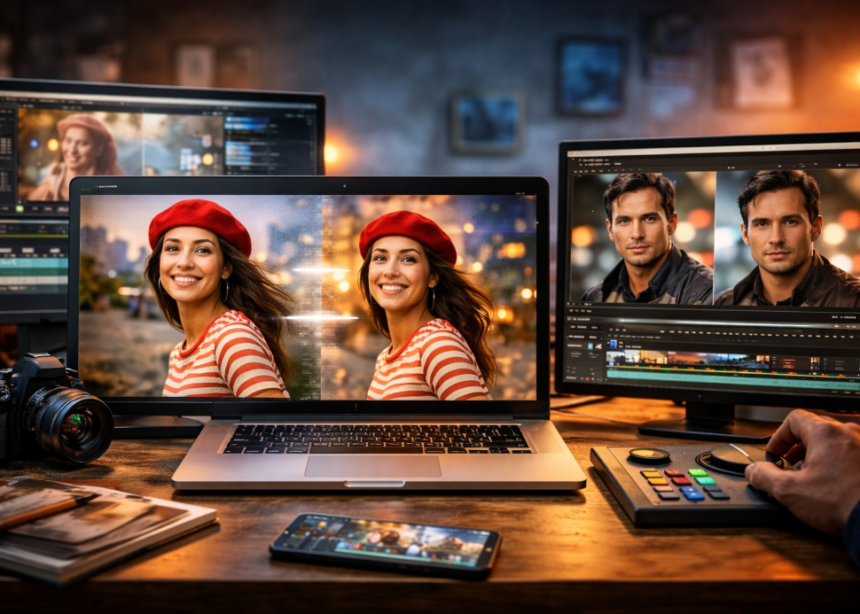
The process of converting a still image to video was once a keyframe and a free afternoon. With the help of a quick prompt and a single upload, AI image to video tools can do that in 2026. Whether it’s a shot for the movies or a talking portrait, the jobs differ considerably, and there’s no tool that’s the winner for all of them. Here are eight that are worth testing, and what talking photo ai free actually provides. Prices have been updated on 21 Sept 2026 but please check the price before purchasing, as plans are subject to change.
Quick Answer
Try Magic Hour free for ai image to video with no sign up, and a talking photo ai free option all in one. Select Runway for camera control, Kling for motion, Veo for realistic (with sound) and Hedra or HeyGen for talking characters.
The best ai image to video tools at a glance
| # | Tool | Best for | Free access |
| 1 | Magic Hour | All-round use, talking photos | Yes, no signup |
| 2 | Runway | Camera control | One-time credits |
| 3 | Kling AI | Motion, action | Limited |
| 4 | Google Veo | Realism, audio | Limited |
| 5 | Luma Dream Machine | Cinematic mood | Limited |
| 6 | Pika | Quick social clips | Limited |
| 7 | Hedra | Character speech | Watermarked |
| 8 | HeyGen | Presenters | Limited |
Best ai image to video tools are reviewed
1. Magic Hour: The best overall choice
Magic Hour is first on the list because it eliminates more friction. It has ai image to video in the package including Kling 2.5 and 3.0, Veo 3.1, Seedance 2.0 and LTX 2.3, allowing you to try one photo on several engines and then retain the best one.
- No signup to try: 3 generations per day (3 seconds, 480p, audio, watermark) on LTX 2.3. Kling, Veo, and Seedance require a subscription.
- There is no expiry date for Credits, meaning unused credits are rolled over, and credit packs never expire.
- Some models with templates and end-frame control.
- Parallel generations: 3 on Creator, 5 on Pro, unlimited on Business.
- Full API access in all plans.
- One account for generating images, upscaling, and lip sync.
| Plan | Monthly | Billed yearly | Credits per year | Export |
| Free | $0 | $0 | Daily free credits | 480p |
| Creator | $19 | $12/mo ($144/yr) | 144,000 | 1024px |
| Pro | $39 | $25/mo ($300/yr) | 300,000 | 1472px |
| Business | $99 | $66/mo ($792/yr) | 840,000 | 4K |
The credit packs are $10 to $160 at 400 credits per dollar. On Magic Hour’s pricing web page, their paid plans offer watermark-free exports and commercial rights. The downside: the free version is a trial, and the top models come with a price.
2. Runway: best for camera control
Filmmakers who wish to direct shots need to rely on runway suits. It’s consistent for its ai image to video models, and its workspace, too, can be used to edit. Plans start at $12 a month billed yearly, with a one-time 125 free credits. There is no rolling over of the monthly credits, while Gen-4.5 requires a paid plan.
3. Kling AI: best for motion
Kling has a knack for physical movement: bodies, clothes, water, and action. Some platforms will allow Kling 3.0 to be set up up to 15 seconds, and it is free for a limited time as well. Queues are long on busy days. If you wish to make a side-by-side comparison, please contact Kling in Magic Hour.
4. Google Veo: Best for realism with sound
The synchronization of the audio, such as dialogue, created by Veo 3.1 also saves an editing step. Ideal for marketing concepts and product images. Cost will depend on Google’s current plans; check first.
5. Luma Dream Machine
For atmosphere, lighting, and HDR, Luma’s Ray3 models are far and away the best. These are most useful when there is a clear reference image already. Clips are short and work best for b-roll.
6. Pika: best for social clips that need to be fast
Pika’s favorite video effects are dynamic and captivating, especially for Reels, TikTok, and Shorts. May not be as realistic as Veo or Kling, and read its current free limits.
7. Hedra: best for character speech
Hedra’s Character 3 transforms an image and sound into a talking or singing character at up to 1080p. Plans run $15, $30, and $75 monthly. Short and watermarked renders are free.
8. HeyGen: best for presenters
HeyGen provides avatars, voice cloning, and translation. The free plan provides one to three videos that are up to one minute long and are sent as a sharing link. Creator costs $29 monthly.
Talking photo ai free: what you really get
The reasons behind the limitation of free tiers
The majority of talking photo ai free tools do have restrictions or watermarking on their generation. Magic Hour’s talking photo ai free tool does not require an account, with a limitation of three free talking photos per day, each up to 5 seconds long, and potentially watermarked. Upload a clean photo and include audio or text-to-voice (400+ voices, 10 languages) and see the result. It is used on people, cartoons, and animals, one face per photo.
Free options compared
| Tool | Free access | The catch |
| Magic Hour | 3 per day, no account | 5 seconds, watermark |
| HeyGen | 1–3 videos | 720p sharing link |
| Hedra | Short renders | Watermarked |
| D-ID | Trial | Watermarked |
For existing footage rather than a still, see this guide to the best AI lip sync tools.
How to choose
Correctly match the tool with the task. Try out the test ai image to video for free without sign-up, choose directed shots with Runway, action with Kling, sound with Veo, and speak portraits with the talking photo ai free tool for cheap! Make pictures with a knife; use good lighting; move one step at a time, and do several takes before choosing a tool. Carefully examine faces and hands before publishing.
FAQs
- Which AI image-to-video tool is the best and free?
It depends. No sign-up or one-time credits for Magic Hour. All set restrictions like length, resolution, and watermarks.
- Is talking photo ai free really free?
Yes, for testing, but shorter clips and watermarks will be there.
- Can I use videos commercially?
Typically only available under paid plans and only when you have the rights to your image and audio.
- Do these tools add audio?
Veo, Kling, and LTX do. Some require an additional audio step.
Final thoughts
Best ai image to video tools are those that are most suitable for your workflow and budget. The free entry, variety of models, and that Magic Hour never expires make it the best starting point for most beginners, and its talking photo ai free uses a free trial for portraits for its talking photo ai. If you need more control, use Runway or Kling later.